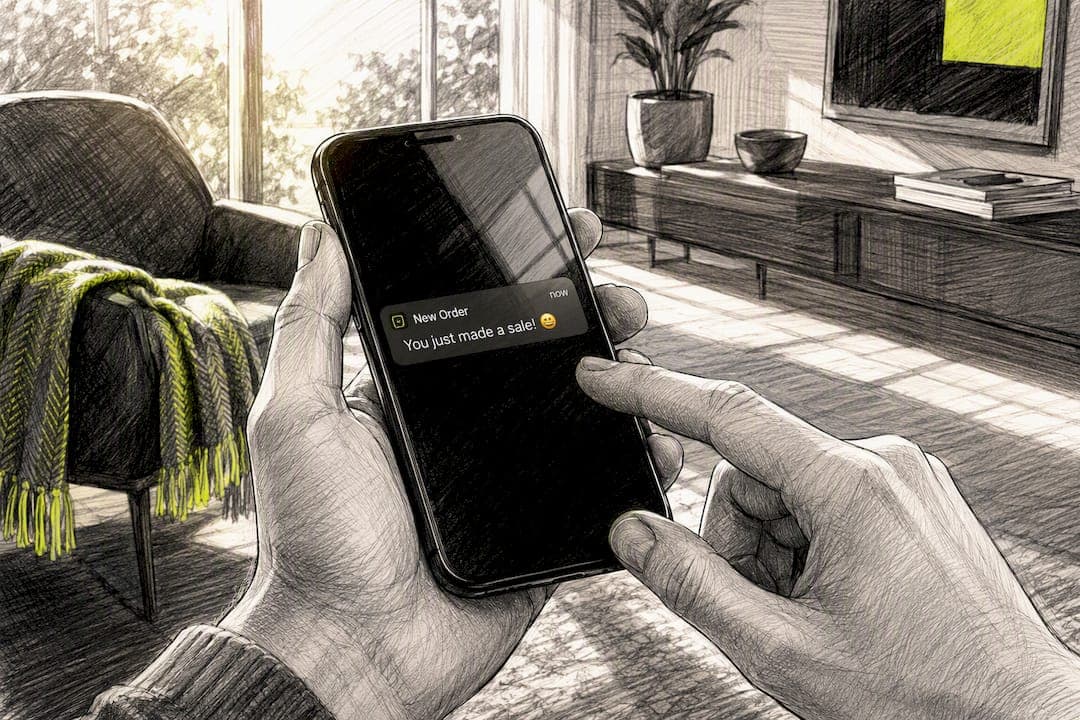
Use emojis in push notifications when the message is short, promotional, or time-sensitive. Skip them for account security alerts, legal notices, or anything formal. Done right, emoji in push notifications can lift open rates and make your alerts stand out in a crowded lock screen, according to a large-sample Forbes analysis. Emojis are just Unicode characters, so adding one is often as simple as pasting it into your payload. StorePush customers use this exact playbook for cart-recovery alerts.
Quick actions to take right now:
- Add an emoji to your title or body by pasting it directly, or use its escaped Unicode sequence in your JSON payload.
- Run an A/B test with and without the emoji before rolling out to your full list.
- Check rendering on at least one recent iOS device, one Android device, and one desktop browser.
Key Takeaways
Emoji in push notifications can increase opens and clicks when matched to context, but rendering depends entirely on correct UTF-8 encoding and the recipient's device.
| Point | Details |
|---|---|
| Match emoji to context | Use emoji for promotions and cart recovery, skip them for security and legal alerts. |
| Encode payloads correctly | UTF-8 encoding and clean JSON handling prevent escaped-sequence and square-glyph errors. |
| Test before scaling | Run an A/B test on placement and emoji choice across real devices before a full rollout. |
| Rendering isn't guaranteed | The device's OS and fonts control the final look, not your push provider. |
| Track more than opens | Watch CTR, conversion, revenue per recipient, and opt-out rate together. |
Table of Contents
- Why Emojis Move the Needle on Engagement
- How Do You Add Emoji to Push Notification Payloads?
- Why Does the Same Emoji Look Different on Every Device?
- What Are the Best Practices for Emoji in Marketing Notifications?
- What Do High-Converting Emoji Templates Look Like?
- How Should You A/B Test Emoji in Push Campaigns?
- How Do You Fix Emoji That Won't Display Correctly?
- What Has StorePush Learned From Real E-Commerce Campaigns?
- What's the Right Way to Roll Out Emoji Testing?
- Where to Learn More About Emoji Standards and Payloads
- Frequently Asked Questions
- Sources
Why Emojis Move the Needle on Engagement
The data backing emoji use in push notifications is more than anecdotal. An analysis of 2.6 billion push notifications found that messages with emojis showed a notably higher open rate than plain-text alerts in that dataset. That's not a universal guarantee, since results shift by industry, audience, and message type, but the pattern holds across enough campaigns to take seriously.
Statistic Callout: Large-scale push notification data shows emoji-inclusive messages outperforming plain text on open rates, though the exact lift varies by vertical and time period.
The psychology is simple. A crowded notification tray rewards visual shorthand. A 🔥 or 🎉 breaks the wall of gray text and signals emotion faster than words can. Emojis work best on short promotional blasts, cart recovery pings, flash sales, and localized campaigns where a quick visual cue reinforces urgency. They work against you on anything that needs to read as serious: password resets, shipping disputes, fraud alerts.
Pro Tip: Treat the emoji as a headline element, not decoration. Ask whether removing it changes how fast someone understands the message. If not, cut it.
How Do You Add Emoji to Push Notification Payloads?
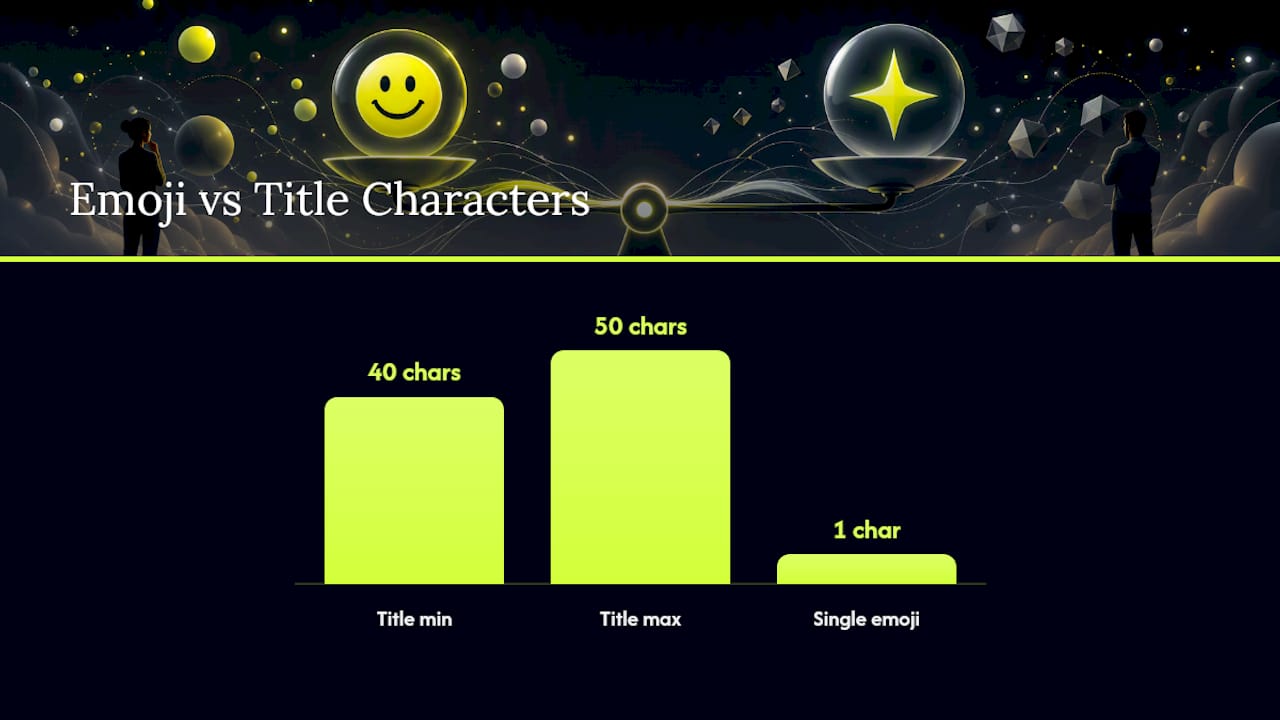
Emojis are Unicode characters encoded in UTF-8, and most push platforms treat a single emoji as one character against your length limit, per iZooto's guidance. That matters when you're already tight on room in a 40 to 50 character title.
For APNs (Apple Push Notification Service), you send emoji the same way you send any other text in the alert field of your payload:
"aps": {
  "alert": {
    "title": "🔥 Your cart is waiting",
    "body": "Complete checkout before it's gone!"
  }
}
The common pitfall isn't Apple's side. It's server-side JSON handling. If your backend double-encodes the string or escapes it incorrectly, the emoji can arrive as a literal escape sequence like `` instead of rendering. This is a frequent question on Stack Overflow, and the fix is almost always the same: confirm your JSON library encodes and decodes UTF-8 correctly without escaping surrogate pairs twice.
FCM (Firebase Cloud Messaging) works similarly. You can include emoji directly in the notification.title or notification.body fields, as long as your payload is UTF-8 encoded end to end. Developers troubleshooting emoji issues in Firebase notifications typically find the problem traces back to how the server assembles the JSON string, not to Firebase itself.
Web Push adds another layer. The Notification API and Service Worker rendering depend on the browser and its underlying OS font engine, so what looks fine in Chrome on a Mac might render differently in Firefox on Windows. Unicode maintains the canonical emoji list and code points, which is worth checking if you're unsure whether a given emoji is standardized yet.
Before you ship, run this checklist:
- Validate that your payload is UTF-8 encoded at every step, not just at the client.
- Test on a real device lab covering iOS, Android, and your top two browsers.
- Log raw payloads server-side so you can catch encoding issues before customers do.
- Always include fallback text in case the emoji fails to render.
Pro Tip: If you see ✌️ or similar oddities where an emoji should be, it's almost never the platform's fault. Check your JSON encode and decode functions first.
Why Does the Same Emoji Look Different on Every Device?
Rendering is entirely up to the receiving device, not your push provider. Emojipedia's FAQ confirms that the operating system and its installed fonts decide how (or whether) an emoji glyph displays. If the device doesn't have that glyph, users see a blank square or a text fallback instead of your carefully chosen icon.
iOS updates its emoji set fairly often, but older iPhones running older software may lack newer characters. Android is messier: OEM skins from Samsung, Google, and others render emoji with their own font layers, and notification truncation rules vary by manufacturer, so an emoji placed late in a title can get cut off entirely.
Emoji you see is not necessarily the emoji your recipient sees. Two identical payloads can render as a smiling face on one phone and an empty box on another, purely based on font support.
Desktop and mobile browsers add a third variable. Some browsers substitute system emoji fonts, others alter spacing around the glyph, and a few strip color rendering altogether on older builds. Test your emoji on the last two major versions of Chrome, Safari, and Firefox before trusting it in a live campaign, and check how web push behaves specifically on iOS, where browser support has its own quirks.
What Are the Best Practices for Emoji in Marketing Notifications?
Marketers who treat emoji as a precision tool, not a decoration, get the best results. A few rules separate the campaigns that convert from the ones that get muted.
Do:
- Use an emoji to save characters and reinforce your call to action, not to fill space.
- Match the emoji's meaning to the message context (a shopping cart for cart recovery, a clock for urgency).
- A/B test emoji placement in the title before assuming it works.
- Localize emoji choices, since meaning shifts across cultures and regions.
- Keep it to one, maybe two emoji per notification, placed for maximum visibility.
Don't:
- Use ambiguous emoji that could be read multiple ways (skulls, certain hand gestures, food that reads as inside jokes in some markets).
- Stack three or more emoji into a single alert, which reads as spam.
- Replace words essential to understanding the offer.
- Send emoji-forward copy for account security, password resets, or legal notices.
Segment your audience here too. New subscribers and younger demographics tend to respond better to emoji-forward copy, according to HubSpot's guide on emoji engagement, while long-tenured or B2B-adjacent segments often prefer plainer language.
What Do High-Converting Emoji Templates Look Like?
Promotional: "🎉 Flash sale: 30% off ends tonight" tests well against a plain-text control because the emoji signals celebration before the reader even parses the words.
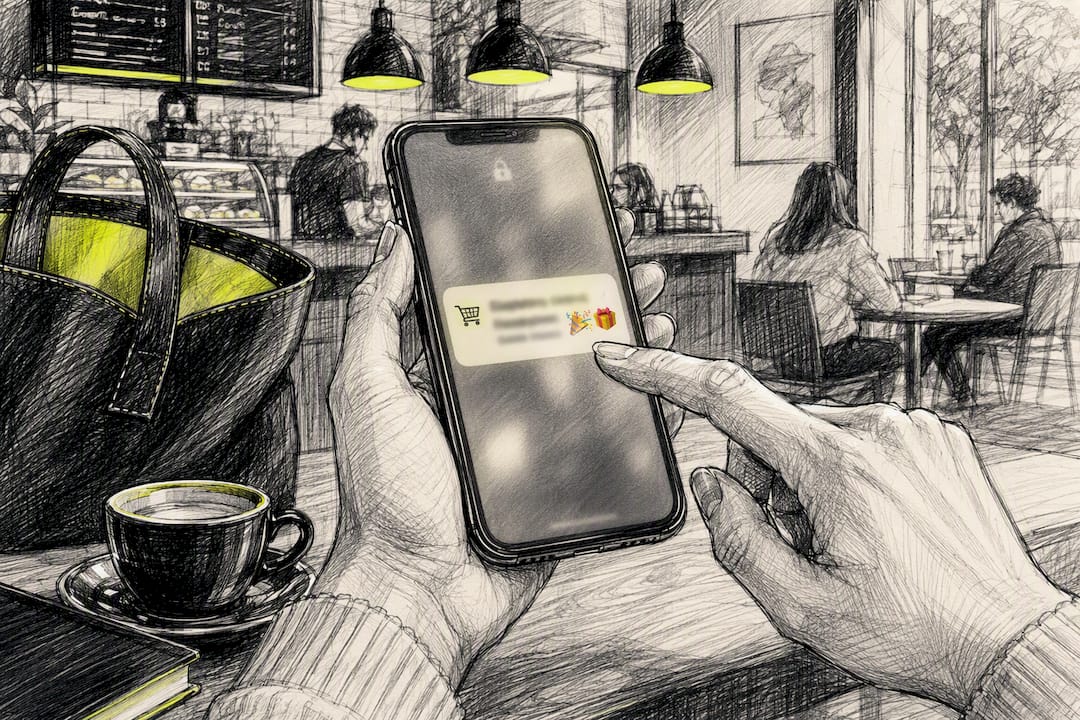
Cart recovery: "🛒 Still thinking it over? Your cart's saved" uses one relevant emoji to personalize the nudge without cluttering the message, an approach that pairs naturally with abandoned-cart recovery flows.
Transactional (acceptable): "📦 Your order shipped!" works because the emoji reinforces information the customer already wants.
Transactional (avoid): "🔒 Suspicious login detected" should never carry an emoji. It undercuts urgency and can look unprofessional in a moment that requires trust.
Emoji choice isn't universal. A thumbs-up reads as friendly in the United States and as an insult in parts of the Middle East. Always test emoji-forward copy in-market before scaling it globally.
How Should You A/B Test Emoji in Push Campaigns?
Set up a randomized test with a clear hypothesis, something like "adding an emoji to the title increases click-through rate." Split your list evenly, keep every other variable fixed, and run it long enough to reach a meaningful sample. A weekend flash sale isn't a large enough window to draw conclusions from.
Track these primary metrics:
- Open rate and click-through rate (CTR), your earliest signals.
- Conversion rate and revenue per recipient, the metrics that actually matter to your bottom line.
- Opt-out and unsubscribe rate, since emoji fatigue is real if you overuse them.
Practical testing checklist:
- Test one emoji at a time, not multiple variants simultaneously.
- Test placement: title versus body versus both.
- Segment results by device and OS version, since rendering differences can skew data.
- Run tests long enough to hit statistical significance before declaring a winner.
How Do You Fix Emoji That Won't Display Correctly?
Three failures show up constantly during rollout.
Emoji shows as an ASCII sequence or literal escape code. This almost always traces back to server-side JSON encoding or decoding errors, not the push platform. Fixing your json_decode/json_encode logic to properly handle UTF-8 usually resolves it, as developers confirm repeatedly in Stack Overflow threads on the exact issue.
Emoji shows as a blank square. The device's OS or font simply doesn't support that character yet. Swap to a more widely supported emoji or drop it for that device cohort.
Emoji gets truncated out of view. Notification length limits vary by platform and manufacturer, so put your emoji early in the title, not buried at the end of a long body.
Before escalating an emoji rendering bug, check your server's encoding pipeline first. Most "broken emoji" tickets are JSON handling problems in disguise, not platform bugs.
What Has StorePush Learned From Real E-Commerce Campaigns?
Across the storefronts StorePush works with, emoji count as a single character against title and body limits, matching platform guidance from iZooto and consistent with the character-limit behavior engineering teams should plan around. That headroom matters more than it sounds, especially on iOS where titles are tight.
Statistic Callout: Cart-recovery notifications that combine a single contextual emoji with a clear CTA tend to see stronger engagement than plain-text equivalents, echoing the broader open-rate lift data.
Pro Tip: If you're running web push on iOS, budget extra QA time. iOS Safari's web push support has its own constraints that can affect how and when emoji-inclusive alerts even reach the lock screen.
What's the Right Way to Roll Out Emoji Testing?
I'd treat emoji adoption as a joint marketing and engineering project, not a copywriting decision made in isolation. Start with a limited A/B test on one segment, validate rendering across a handful of representative devices, then scale to your full list only after the encoding holds up and the metrics justify it.
Where to Learn More About Emoji Standards and Payloads
For deeper technical reference, Unicode's full emoji list documents every standardized code point and version history. Emojipedia shows how individual emoji render across vendors, useful when picking icons that survive cross-platform testing. For payload-level troubleshooting, the developer threads on Firebase emoji handling and APNs display issues walk through real fixes engineers have used in production.
Frequently Asked Questions
Do emojis actually improve push notification open rates? Large-sample data suggests they often do, particularly for promotional and time-sensitive messages, though the lift varies by audience and industry, per the Forbes analysis.
Can I use emoji in APNs and FCM payloads without special encoding? Yes, as long as your entire pipeline handles UTF-8 correctly. Most rendering failures come from server-side JSON encoding issues, not the emoji itself.
Why does the same emoji look different on iPhone versus Android? Each operating system ships its own emoji font set, so glyphs differ in style and, sometimes, availability, as Emojipedia explains.
Should I use emoji in every push notification? No. Reserve them for promotional, cart recovery, and time-sensitive alerts. Avoid them entirely in security notices or formal transactional messages.
Ready to test emoji-driven push notifications on your own storefront without collecting a single email address? Book a demo with StorePush and see how native iOS App Clip notifications recover abandoned carts for stores that never captured contact info in the first place.
Sources
- How To Improve Push Notifications Using Emojis — Forbes
- Full emoji list — Unicode
- Stack Overflow — Emoji does not display in push Notification
- Push notifications guide — iZooto