Linking push to an App Clip means two separate things, and mixing them up is the most common reason setups stall. You can send a push notification from an App Clip after a shopper uses it, and you can make a notification open the right App Clip experience when the shopper taps it. A working cart recovery flow needs both. This guide walks through each half, the configuration behind it, the limits Apple enforces, and how to tell whether it is paying off.
TL;DR
- An App Clip can send ephemeral notifications for up to 8 hours after launch, once you enable the
NSAppClipRequestEphemeralUserNotificationkey in your Info.plist. - To link a tap back to the right experience, set
targetContentIdentifierin the notification payload to the URL that identifies that App Clip experience. - Default App Clip links (iOS 16.4 and later) skip most server configuration; custom domains need an Apple App Site Association file and an associated domain entitlement.
- Size limits apply: 15 MB for App Clips that support physical invocations, 100 MB for digital-only ones on iOS 17 and later.
- Track recovered revenue, tap-through rate, and checkout completion by trigger, not just opens.
Table of Contents
- Two directions: push from an App Clip, and a push that opens one
- First, how shoppers get into an App Clip
- Setting up the link that opens the right experience
- Sending the push: ephemeral notifications
- Making the tap open the right place
- Checkout: finish before asking for anything
- Limits to check before you launch
- How to tell whether it works
- Our perspective
- Skip the build with StorePush
- FAQ
- Sources
Two directions: push from an App Clip, and a push that opens one
Start by naming the two flows, because they use different mechanics.
- App Clip to push. A shopper opens your App Clip (from a link, a code, a banner), does something like adding to cart, and leaves. Later your system sends a notification to their lock screen. This is the cart recovery direction.
- Push to App Clip. The notification arrives, the shopper taps it, and the App Clip opens on the exact product or cart they left. This is the routing direction.
Apple's own guidance reflects the split. A notification can route back to the right App Clip experience with targetContentIdentifier, and ephemeral notifications let an App Clip connect with users after they use it. If you only build the first half, shoppers get a push that dumps them on a generic screen. If you only build the second, you have nothing to route from.
First, how shoppers get into an App Clip
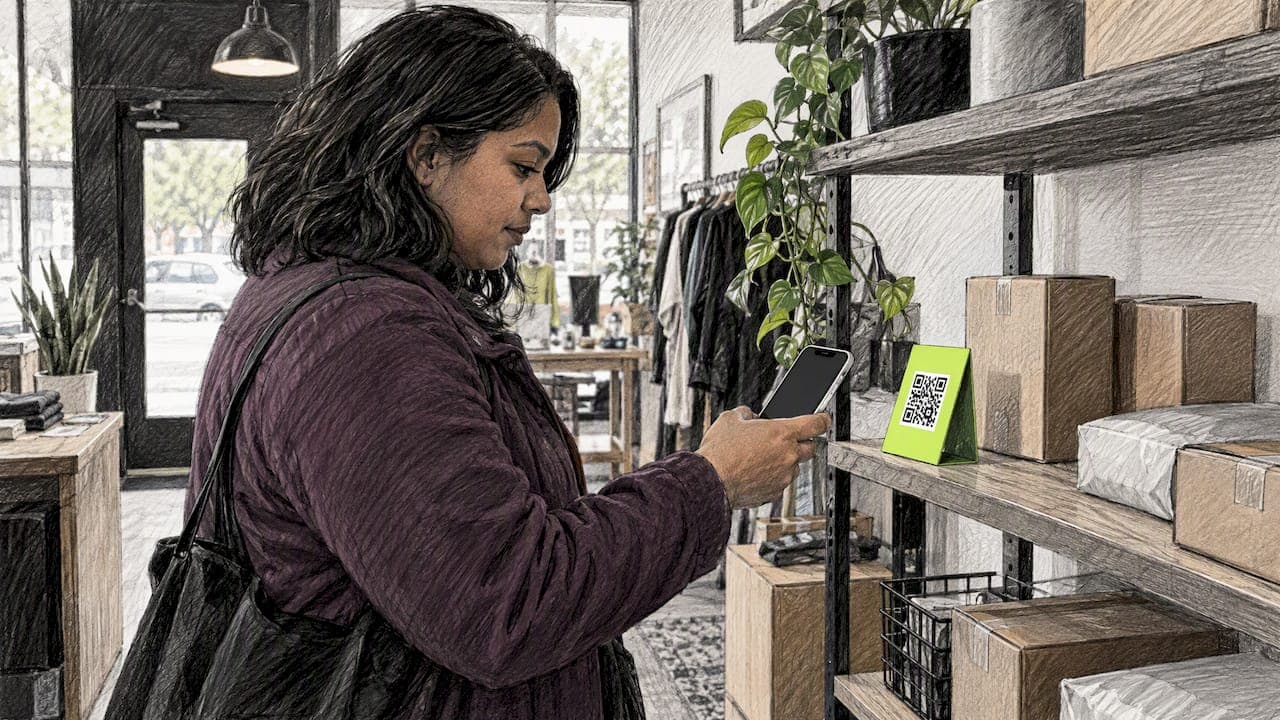
A push can only follow a launch, so the entry point matters. An App Clip is a small part of an app that lets people start and finish a task without downloading the full app, and shoppers can reach one through Safari, Messages, an NFC tag, a QR code, or a link in another app using an Apple-provided App Clip link.
Apple's consumer documentation adds a few more doors: App Clip codes, NFC tags, links sent in iMessage, a Smart App Clip banner in Safari, and Siri or Apple Maps suggestions.
For a web store, the practical entry points are:
- A Smart App Clip banner on product and cart pages, so a mobile Safari visitor can open the clip with one tap.
- A link in a message or ad, for example a shared cart link.
- A link inside another app. Starting with iOS 17, developers can invoke App Clips from within other apps using the Link Presentation API for a tappable rich preview, or by calling open on UIApplication with the App Clip's URL.
The point for you: the shopper never installs anything and never types an email address. That is what makes the later lock screen notification possible without a collected contact.
Setting up the link that opens the right experience
There are two ways to get a URL that launches your App Clip.
Option 1: default App Clip links
Since iOS 16.4, Apple generates default App Clip links that invoke the default experience without complex server configuration. The format is https://appclip.apple.com/id?p=bundle_id&key=value, as described in What's new in App Clips. This is the fastest route for a small team: no AASA file, no domain wrangling, and campaign links are simple to produce. Teams that care about strong calls to action on the page around that link will find default links remove one more obstacle between the button and the checkout.
App Store Connect also generates an App Clip demo link when you configure the default experience. It supports a larger uncompressed binary size but doesn't support URL parameters, so use it for testing the shell, not for testing a cart handoff.
Option 2: your own domain
To link to a custom experience on your domain, you add an Apple App Site Association (AASA) file to your server's .well-known directory and include the domain in the App Clip's Associated Domains Entitlement in Xcode. This gives you branded URLs such as a path per product, and it is the route to take when your storefront already generates canonical product and cart URLs you want to reuse.
A common stumbling block, visible in developer Q&A, is a clip configured for one URL pattern that never fires because the live URL does not match it exactly. When a link opens Safari instead of the clip, compare the invoked URL character by character with the experience you registered, and confirm the AASA file is reachable on the exact host.
Passing context in the URL
You can pass custom parameters through App Clip URLs. The clip reads them at launch from the webpageURL of the NSUserActivity, which lets you tailor the experience. For commerce, that usually means a product ID, a variant, a cart token, and a campaign tag.

One rule from Apple's session on configuring links is worth copying into your build checklist: before pushing new navigation, check whether the new launch URL matches an in-flight session. Otherwise a shopper who taps a second link mid-checkout can end up in a split, confusing flow.
Sending the push: ephemeral notifications
App Clips can send notifications without the usual permission pop-up ritual. Per Apple's session on streamlining your App Clip, they can send ephemeral notifications for up to 8 hours after launch if you enable the NSAppClipRequestEphemeralUserNotification key in your Info.plist.
That 8-hour window shapes everything about timing:
- Browse abandonment nudges work best in the first hour or two, while the shopper still remembers the product.
- Cart abandonment reminders can use the later part of the window, for example a second message that adds a reason to come back.
- Nothing after hour 8. Plan for the window to close, and do not build a three-week drip on top of it.
Apple's framing is that this lets developers offer high-utility services, such as food ordering, while protecting privacy and avoiding intrusive permission prompts. For a store, that translates to something simple: the shopper did something deliberate (opened your clip), and the notification is a continuation of that task, not a cold interruption.
What a good recovery message does
Keep the message tied to what the shopper did:
- Name the product or the cart, not a generic "come back" line.
- Say what happens on tap: "Your cart is saved, finish with Apple Pay."
- Keep one action per notification.
- If you offer an incentive, gate it to the cart value you can afford, since commission-based or discount-based costs add up.
Making the tap open the right place
Now the routing half. When a single app bundle supports multiple businesses, you populate the targetContentIdentifier field in the push payload with a URL that identifies the specific App Clip experience. Without it, the system cannot know which experience the notification belongs to.
A practical pattern:
- When the shopper leaves, store the exact URL they were on (product page or cart link, with its parameters).
- When you send the notification, set
targetContentIdentifierto that URL. - When the shopper taps, the clip launches and reads the URL, restoring the product or cart.
- Before navigating, check whether a session is already in flight, and save state if the shopper is switching between businesses so they can resume seamlessly.
One forum report noted that onContinueUserActivity was called whenever the App Clip received a push notification, which is a handy hint for SwiftUI builds: handle the activity once, and make your handler tolerant of being called for a notification as well as for a link.
Checkout: finish before asking for anything
The cleanest recovery flow ends in a purchase, not a form. Apple's advice is to let shoppers complete the task before asking them to sign up, and App Clips support Apple Pay, so people can pay without entering card numbers.
For a re-engaged shopper, that means: tap the notification, see the cart, confirm with Face ID, done. Every extra field you add after the tap is a place to lose the person you just won back. If you want a deeper walkthrough of the payment side, see our guide to Apple Pay App Clip checkouts.
Limits to check before you launch
Several constraints catch teams late.
| Constraint | What applies |
|---|---|
| Size, physical invocations | 15 MB uncompressed (iOS 16 and later) |
| Size, digital-only invocations | 100 MB uncompressed (iOS 17 and later) |
| Minimum OS | iOS 14 or later for App Clips in general |
| Age and parental controls | Unavailable to children under 13 or users with "Ask to Buy" enabled |
| Notification window | Ephemeral notifications for up to 8 hours after launch |
The size figures come from Apple's build file size reference, and the age and OS details from Apple's App Clip overview. The tiered size limits show Apple balancing richer experiences on fast home connections against near-instant launches when someone is on the go. If you plan to support QR codes or NFC in a physical store, design to the 15 MB budget from day one; a clip that fits the smaller limit also launches faster for everyone else.
Also remember that an App Clip always belongs to a corresponding app submitted in App Store Connect. Apple's tooling expects the two together, so budget time for that submission, not just the clip.
How to tell whether it works
Opens are a vanity number. For a push-linked App Clip, track these instead:
- Launch source. Which entry points (banner, shared link, ad) produce clip launches that go on to add to cart.
- Notification tap-through rate by trigger: browse versus cart, first message versus second.
- Time to tap. If most taps land inside the first hour or two, front-load your sends.
- Checkout completion after tap. A strong tap rate with weak completion points at the clip's checkout, not the message.
- Attributed revenue. Revenue from purchases that began with a push tap, compared against what you pay for the channel.
Run it as a clean test: hold out a share of eligible shoppers who get no notification, and compare their purchase rate with those who do. Without a holdout, you will credit the push for purchases that would have happened anyway.
Our perspective
Most cart recovery advice assumes you already have the shopper's email or phone number. But the large majority of visitors leave without handing either over, and those are exactly the people a form-based tool cannot follow. That gap is why we built StorePush on App Clips: a shopper opens a clip from your storefront, and a notification can reach their lock screen later, with no email, phone number, or app install required.

We also think teams over-engineer the first version. Start with one entry point, one trigger, and one message that restores the cart. Get the targetContentIdentifier routing right, because a notification that opens the wrong screen wastes the one chance you have inside that 8-hour window. Add triggers and variations only once you can see which ones recover revenue.
If you want more detail on the mechanics from our side, our lock screen notifications guide and our write-up on reengaging anonymous shoppers go step by step.
— Lucas
Skip the build with StorePush
Building clips, AASA files, payload routing, and attribution yourself is real engineering work. StorePush handles cart and browse abandonment push through App Clips, integrates with Shopify, WooCommerce, BigCommerce, and custom storefronts, and includes a dashboard with revenue attribution, funnel tracking, CTR heatmaps, and event-based triggers. The Free plan costs $0 per month, the Pro plan costs $50 per month, and there is a 5% usage commission on attributed recovered revenue. You can start on the StorePush site and see your first triggers running before you write any Swift. Shopify merchants can read how to launch App Clips without rebuilding the stack.
FAQ
Can an App Clip send push notifications?
Yes. If you enable the NSAppClipRequestEphemeralUserNotification key in your Info.plist, an App Clip can send ephemeral notifications for up to 8 hours after the shopper launches it. After that window closes, the clip can no longer notify the shopper, so time your messages accordingly.
How do I make a notification open a specific App Clip experience?
Put the URL that identifies the experience into the targetContentIdentifier field of the push payload. That tells the system which App Clip experience the notification belongs to, so the tap lands on the product or cart you intended. Your clip then reads the URL on launch and restores the state.
Do I need a server configuration to link to an App Clip?
Not always. Default App Clip links, supported since iOS 16.4, are Apple-generated URLs that open the default experience without complex server setup. If you want custom experiences on your own domain, you need an AASA file in .well-known and the domain listed in the clip's associated domains entitlement.
Does the shopper need to install the app or sign up?
No. An App Clip runs without installing the full app on iOS 14 or later, and Apple Pay lets shoppers pay without typing card numbers. Let them finish the purchase first and only offer an account afterward.
Sources
- Overview of App Clips, Apple App Store Connect Help
- Learn More About App Clips, Apple Support
- What's new in App Clips, WWDC23
- Streamline your App Clip, WWDC20
- Create App Clips for other businesses, WWDC20
- Configure and link your App Clips, WWDC20
- Maximum build file sizes, App Store Connect
- Associating your App Clip with your website
- Configuring App Clip experiences
- onContinueUserActivity thread, Apple Developer Forums